FAQ
What Is a Planogram — And Why Your Product Needs to Be in One
If you've ever pitched a product to a retail buyer and heard the word planogram come up, you're not alone in nodding along while quietly wondering exactly what it means. It's one of those terms that gets used constantly in retail and FMCG circles — and understanding it properly can genuinely change how you approach a product pitch.
So what is a planogram?
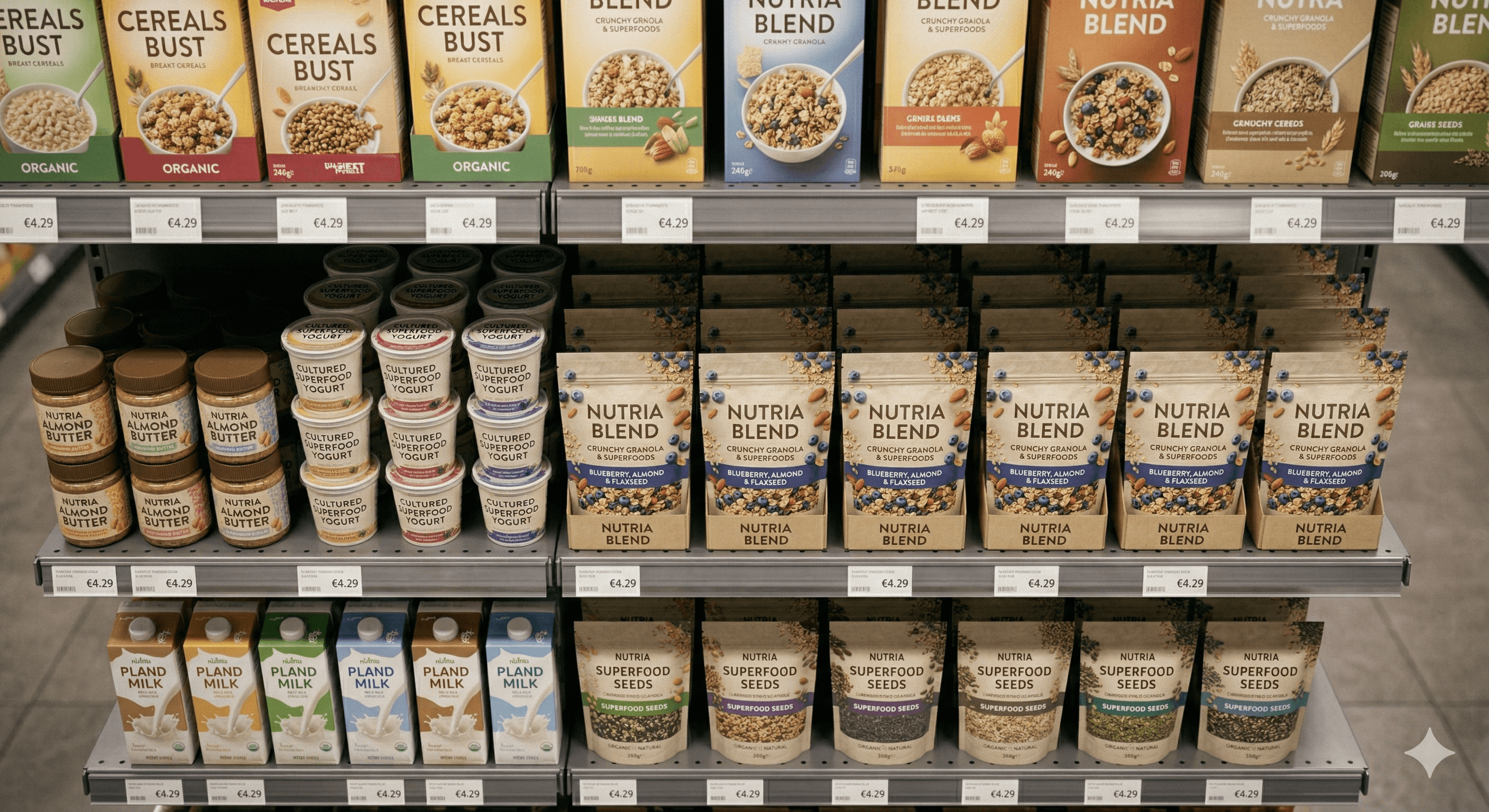
A planogram is a visual diagram that shows exactly how products should be arranged on a retail shelf. It maps out which product goes where, at what height, how many facings each SKU gets, and in what order they appear relative to competitors. Retailers use planograms to manage their shelf space efficiently, ensure consistency across store locations, and maximise sales per square metre.
Every major retailer — REWE, EDEKA, Lidl, Aldi — uses planograms to manage their shelves. Category managers update them regularly, especially when new products are introduced or ranges are reviewed. If your product isn't in the planogram, it isn't on the shelf.
Why does this matter for your brand?
When you pitch a new product to a retailer, the category buyer isn't just evaluating the product itself. They're thinking about where it fits in their existing shelf layout. They're already mentally placing it — or failing to place it — into their planogram.
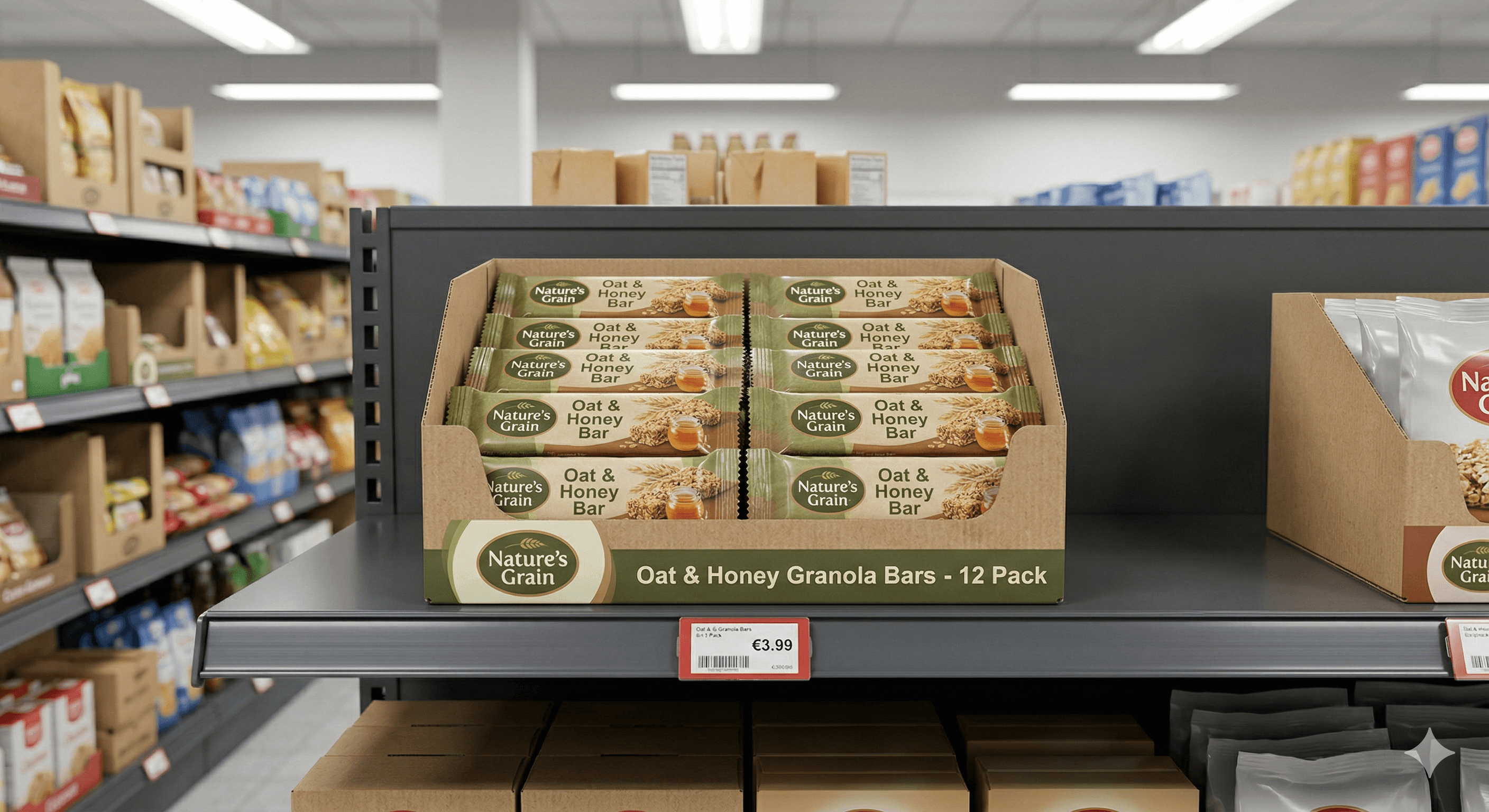
This is why showing up with the right visuals matters so much. A planogram-ready product rendering gives the buyer exactly what they need to visualise your product in their system. It's a clean, accurate image of your product — formatted for the shelf planning software that retailers use — which makes it easy for them to drop your SKU into their layout and see how it looks alongside existing products.
When you make that step effortless for the buyer, you remove a practical barrier to getting listed.
What makes a rendering planogram-ready?
Planogram software like Nielsen Spaceman or JDA doesn't need high-resolution marketing imagery. It needs accurate, clean product visuals — the right dimensions, a transparent or white background, and consistent formatting. A planogram-ready rendering is specifically produced with these requirements in mind, rather than being a cropped version of a marketing image that may not fit properly into the software.
Getting this wrong is surprisingly common. Brands send beautiful lifestyle images that are completely unusable for planogram purposes, which means the retailer's category team has to either request new assets or create them themselves. Neither option makes you easy to work with.
The practical takeaway
Before your next retail pitch, make sure you have planogram-ready product images alongside your standard marketing visuals. They serve a completely different purpose — and having them ready signals to the buyer that you understand how retail actually works.
It's a small detail that makes a significant difference in how seriously your brand is taken at the table.